Download Minnow
Free and open source. No account, no credits, no free trial that quietly turns into a subscription. Version 0.2.1.
macOS
Your systemApple silicon. Drag it to Applications, you know the drill.
Minnow-0.2.1-arm64.dmg
Linux
Your systemx86_64 AppImage. chmod +x and go. You knew that.
Minnow-0.2.1-x86_64.AppImage
Back up important work before upgrading. It works. Kinda. Back up anyway. Older versions and checksums are on GitHub Releases.
Running in three steps.
No onboarding call.
- 01
Install it
Run the installer, open the disk image, or chmod the AppImage. There's no sign-up screen, because there's nothing to sign up for.
- 02
Open a project
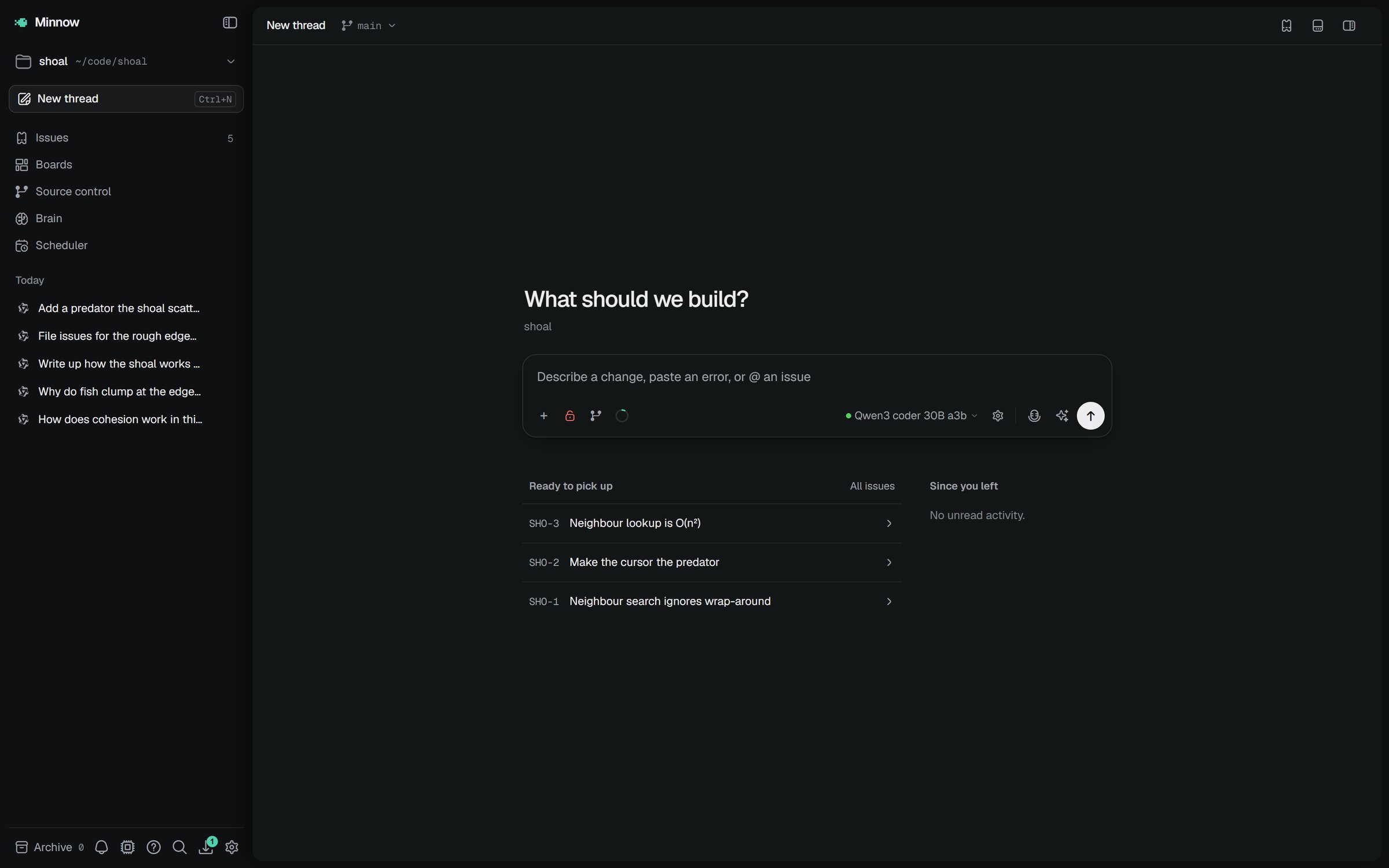
Pick a folder, start a new one or clone a repo. Its chats, issues, boards and memory all live with it.
- 03
Plug in a model
Sign in with the Claude Code, Codex or Cursor plan you already pay for, add an API key, or point at Ollama or LM Studio. Then go do something else.
Trust issues?
Build it yourself.
Fair enough. Everything the packaged app does, the source does too, and it's three commands. We counted.
Full setup steps →$ git clone https://github.com/HenriGrimm/Minnow.git $ cd Minnow $ npm install && npm start
New in 0.2.1.
Fresh catch.
All release notes →
New workspace layout
Shared tabs for files and the browser, split panels, and a fresh coat of paint.
Easier setup
Test a provider before you save it. Subscription sign-in that explains itself.
Chat history you can edit
Edit, replay and delete turns. Interrupted work comes back instead of vanishing.
One update button
Minnow and its CLIs update from one place. Fewer pop-ups.